
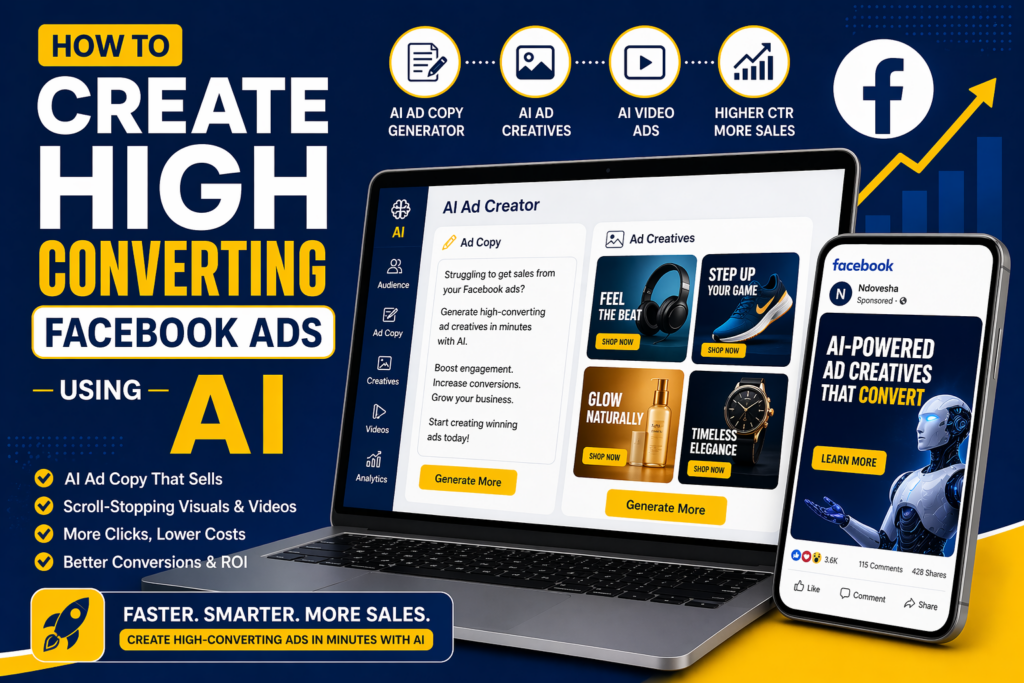
If you have ever spent hours designing a Facebook ad only for it to flop, you are not alone. Most businesses do not fail because Facebook ads do not work. They fail because creating high-converting creatives is hard. The visuals feel generic. The copy does not convert. The videos do not stop the scroll.
But here is the shift: AI has completely changed how Facebook ads are created and more importantly, how they convert. In this guide, you will learn how to create high converting Facebook ads using AI step by step, even if you have zero design or copywriting experience.
If you have already explored our guide on best AI apps for social media content in 2026, you already understand how AI is transforming content creation and ads are the next level.
TL;DR
If you are short on time, here is the quick summary:
- AI helps you create Facebook ads faster and better.
- You can generate ad copy, images, and videos in minutes.
- The biggest advantage: conversion-focused creatives at scale.
- Tools like Ndovesha specialise in high-performing ad visuals.
- Follow a 6-step system: audience, copy, creatives, headlines, setup, optimisation.
Why Most Facebook Ads Fail (And How AI Fixes It)
Most ads fail because of one thing: weak creatives. Not targeting. Not budget. Not even the offer sometimes. It is the visual and message combination.
Common Problems
- Generic Canva-style ads
- Poor-quality AI images
- Boring videos
- Weak hooks
How AI Solves This
AI tools today can analyse what converts, generate ad creatives optimised for engagement, create multiple variations instantly, and improve visuals based on performance patterns. This is where specialised tools like Ndovesha stand out: built specifically for ad creatives, not generic content. It generates scroll-stopping images and videos designed for performance marketing.
What Are Facebook Ads Using AI?
Facebook ads using AI simply means using AI tools to write ad copy, generate creatives (images and videos), optimise targeting, and improve performance. If you are new to this space, start with what is AI marketing and how small businesses use it to understand how AI fits into your overall marketing strategy.
Instead of manually doing everything, AI helps you move faster, test more, and convert better.
Step-by-Step: How to Create Facebook Ads Using AI
Before creating any ad, you need to know who you are targeting, their pain points, and what they care about.
Instead of: “Small business owners”
Go deeper: “Ecommerce store owners struggling with low ad conversions”
AI tools can analyse customer data, generate audience personas, and suggest targeting interests.
Example Prompt:
Your ad copy needs four elements: Hook, Problem, Solution, and CTA.
Example AI-Generated Ad Copy:
Using an AI ad copy generator for Facebook, you can generate multiple variations, test different angles, and improve messaging quickly.
This is the most important step. Most businesses use generic templates, create low-quality visuals, and do not optimise for conversions.
Many general AI apps for creating social media content focus on basic posts — but high-converting ad creatives require tools built specifically for performance.
Create image ads, video ads, and carousel creatives. With tools like Ndovesha, you generate ad images designed for conversions, create video ads without editing skills, and produce multiple variations instantly.
Example Video Script:
Your headline should be clear, specific, and focused on results.
Example Headlines:
- “Create High-Converting Ads in Minutes”
- “AI Ads That Actually Convert”
- “Stop Guessing. Start Converting.”
Example CTAs: Get Started · Try Now · Generate Your Ad
AI can generate 10+ headline variations, optimise based on performance, and suggest better CTAs.
Inside Facebook Ads Manager:
- Choose objective (Conversions)
- Define audience
- Set budget
- Upload creatives
- Add copy and CTA
Run multiple variations: 3 creatives, 3 headlines, 2 audiences. To scale your campaigns, combining ad creatives with the best AI marketing automation tools for small businesses can significantly improve performance and efficiency.
AI tools can analyse performance, suggest improvements, and generate new variations automatically.
Best AI Tools for Facebook Ads
| Tool | Best For |
|---|---|
| Ndovesha | Ad creatives and videos |
| ChatGPT | Ad copy |
| Midjourney | Creative concepts |
| Canva AI | Basic visuals |
For a broader view of the AI landscape, HubSpot’s AI marketing research provides useful benchmarks on how businesses are adopting AI for paid campaigns.
Real Examples: Before vs After AI Ads
Businesses using AI ads consistently report higher CTR, lower CPC, and better conversions. Here is the difference AI makes at the creative level:
✗ Before (Manual)
- Plain product image
- Weak headline
- No emotional hook
✓ After (AI Generated)
- Bold, scroll-stopping visual
- Clear value proposition
- Designed for engagement
According to Think with Google, AI-driven creative optimisation consistently outperforms manually designed assets when tested at scale.
Common Mistakes to Avoid
Using Generic AI Images
Generic visuals blend in and get ignored. Use a tool like Ndovesha built for conversion-focused ad creatives.
Ignoring Video Ads
Video consistently outperforms static images in Facebook feed placements. Do not skip video in your creative mix.
Not Testing Variations
Running a single creative is a common mistake. Always test at least 3 creatives against each other.
Weak Hooks
The first second of your ad determines whether someone keeps scrolling. Invest heavily in your opening line or frame.
Competitor Gap Analysis
What most guides miss: They are too generic with no real steps, no focus on creatives, and no real examples that show the before and after difference.
Your advantage with this guide: It focuses on conversion, emphasises visuals and video, and positions Ndovesha as the performance-specific solution — not just another generic AI tool recommendation.
FAQs
Final Thoughts
You can keep struggling with ad creatives, or you can generate high-converting ad images and videos in minutes. The 6-step system in this guide gives you everything you need to go from idea to live campaign using AI.
If you are serious about scaling, combining ad creatives with the right AI marketing tools for growth gives you a serious competitive edge.
Ready to Create Ads That Actually Convert?
Try Ndovesha and start generating high-converting ad images and videos in minutes.
Try Ndovesha Now