
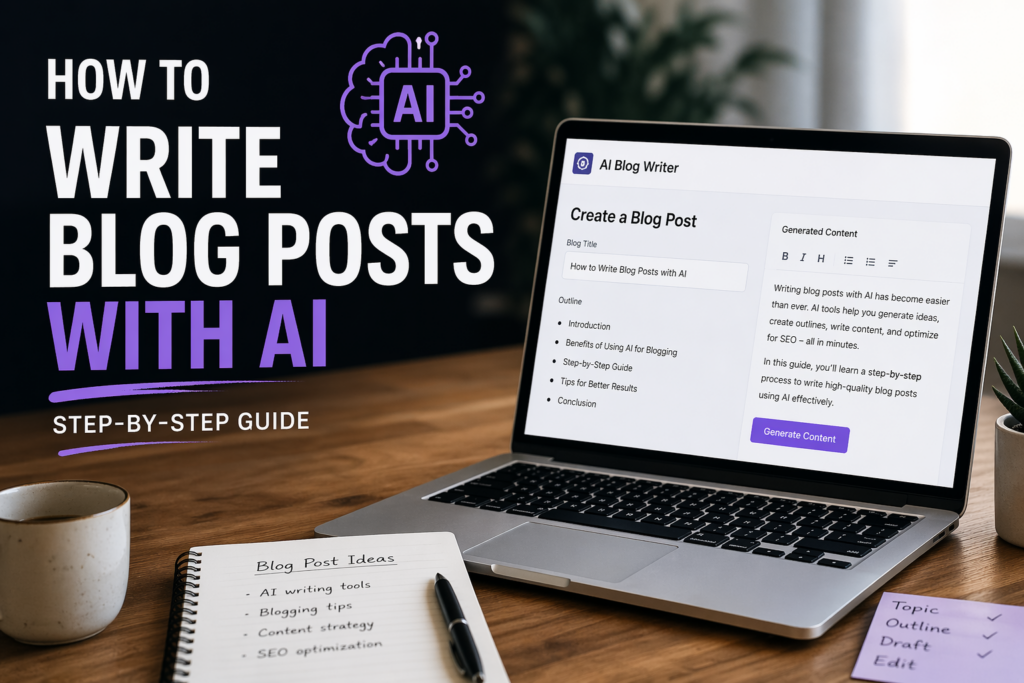
Let’s be honest most people using AI for blogging are doing it wrong.
They either copy-paste random prompts, or generate content that sounds robotic, generic, and forgettable. The result? Content that doesn’t rank, doesn’t convert, and definitely doesn’t build authority.
But here’s the truth: AI isn’t the problem. The process is.
In this guide, you’ll learn exactly how to write blog posts with AI step by step in a way that actually works. If you’re new to this space, understanding AI marketing for beginners will help you see how AI fits into your broader content strategy before diving in.
⚡ TL;DR — Quick Summary
- AI can speed up blog writing by 5–10x
- The key is a structured process—not random prompts
- Follow 7 steps: topic → keywords → outline → draft → edit → SEO → publish
- Tools help—but systems win
- Or skip the complexity with Ndovesha
📋 Table of Contents
What Does It Mean to Write Blog Posts with AI?
Writing blog posts with AI means using artificial intelligence tools to assist—or automate—every stage of the content creation process. It’s not about replacing your voice or ideas. It’s about removing the friction between thinking and publishing.
Definition
Writing blog posts with AI means using AI tools to generate ideas, research keywords, create outlines, write drafts, improve SEO, and edit content—amplifying your workflow without replacing your judgment.
Here’s what AI can handle in the blogging process:
- Generating topic ideas and headlines
- Researching and clustering keywords
- Building SEO-optimized outlines
- Writing first drafts from structured prompts
- Improving readability and tone
- Optimizing on-page SEO elements
- Repurposing content for social media and email
The key distinction: AI writes. You direct. The best results come from people who know what they want and use AI to build it fast.
Why Use AI for Blogging?
The blogging landscape is more competitive than ever. Publishing consistently, ranking on Google, and actually writing content people want to read it’s a lot to manage. AI changes the equation entirely.
A strong content marketing strategy guide will tell you that consistency and quality are the two biggest drivers of blog growth. AI lets you achieve both without burning out.
| Without AI | With AI |
|---|---|
| Takes hours or days per post | First draft in minutes |
| Writer’s block kills momentum | Endless ideas on demand |
| Manual keyword research | Instant keyword clustering |
| Inconsistent quality | Structured, repeatable output |
| Slow publishing cycle | 2–3x more content per week |
Step-by-Step Guide to Writing Blog Posts with AI
Here’s the exact system. Follow each step in order and you’ll go from blank page to published, optimized post in a fraction of the usual time.
Step 1 Choosing a Topic
Start with what your audience is already searching for not what you think is interesting. The best blog topics sit at the intersection of your expertise and your readers’ active questions.
How AI helps: Generate 20+ blog ideas in seconds, identify trending questions in your niche, and expand narrow topics into full content clusters.
✔ Good: “How to write blog posts with AI in 30 minutes”
❌ Weak: “AI blogging tools”
Problem-focused titles get more clicks because they promise a specific outcome.
Step 2 Keyword Research
Keywords are the bridge between your content and the people searching for it. Without this step, even excellent writing can go unread.
This keyword research guide by Ahrefs breaks down how to find and prioritize keywords that actually rank. You can also explore tools like these best AI apps for social media content in 2026 to discover trending topics and content ideas across platforms.
Target keywords for this topic:
- how to write blog posts with ai
- ai blog writing tools
- ai blogging for beginners
- how to use ai for content creation
- can ai write blog posts
Useful tools:
- Google Keyword Planner — free, direct from source
- Ahrefs — deep keyword data and competitor analysis
- SEMrush — keyword gaps and content ideas
- Google Search (autosuggest + People Also Ask) — free and often underrated
Step 3 Creating an Outline
An outline is the skeleton of your post. Building it before writing means your content stays focused, covers the right subtopics for SEO, and flows logically from intro to CTA.
How AI helps: Generate full H2/H3 outlines in seconds, suggest sections you might have missed, and organize content to match search intent.
Step 4 Writing the First Draft
With your outline ready, feed each section to your AI tool and generate content systematically. Section by section is more controllable than asking for the entire post at once—you get better quality and easier editing.
How AI helps: Expands bullet points into full paragraphs, maintains heading structure, generates examples and analogies, and keeps tone consistent throughout.
Important: Don’t accept the first output as final. The first draft is raw material not a finished product. Your job starts where AI stops.
Step 5 Editing and Humanizing Content
This is where most people fail and where you can win. Raw AI output is often technically correct but emotionally flat. It covers facts but misses feeling. Your job is to add the layer that makes readers stay.
Many of the same techniques used for AI tools for creating engaging social media content apply here punchy openers, clear sentences, conversational rhythm, and a tone that sounds like a real person.
What to add during editing:
- Personal insights or opinions only you can offer
- Real examples from your experience or industry
- Simple analogies that make complex ideas click
- Sentence variety — short punches followed by longer explanations
- Transitions that make sections flow naturally
Step 6 Optimizing for SEO
Great writing that nobody finds is wasted writing. SEO is what connects your content to the people already searching for it. Apply these SEO writing best practices to improve both readability and rankings, and follow Google’s SEO starter guide to ensure your content meets search engine requirements.
- Primary keyword in the title and first 100 words
- H2 and H3 headings that include keywords naturally
- Meta description under 160 characters with the target keyword
- Internal links to related posts on your blog
- External links to authoritative sources
- Image alt text with descriptive, keyword-relevant phrases
- Short paragraphs and sentences for readability
- Semantic keywords woven throughout (related terms, not just repetition)
How AI helps with SEO: Suggests related keywords you may have missed, rewrites dense paragraphs for readability, checks keyword density, and generates meta descriptions and title tag variations.
Step 7 Publishing and Promoting
Publishing is step seven, not the finish line. A post without promotion is like a billboard in the desert. Distribution is where traffic actually comes from—especially in the early months before organic SEO kicks in.
📱 Social Media
Share key insights as carousels, quote graphics, or short-form video. Repurpose one blog post into 5–7 social media posts using AI to adapt the tone and format for each platform.
📧 Email Newsletter
Send a summary to your list with a “read the full post” link. Email drives the highest-quality traffic—people who already trust you enough to subscribe.
💬 Communities & Forums
Share in relevant Facebook Groups, LinkedIn communities, Reddit threads, or WhatsApp groups. Provide value first—don’t just drop a link.
🔁 Content Repurposing
Turn sections into Twitter/X threads, LinkedIn posts, short videos, or podcast talking points. One blog post → multiple content formats with minimal extra effort.
Best AI Tools for Blogging
The right tool depends on your budget, workflow, and technical comfort. Here’s an honest breakdown of the most widely used options—and where each one fits best.
If you’re scaling your content production beyond a few posts per week, these best AI marketing automation tools for small businesses can help streamline your entire content pipeline, not just individual blog posts.
| Tool | Best For | Key Strength | Free Plan |
|---|---|---|---|
| ChatGPT | Writing & ideation | Flexible, conversational drafting | Yes |
| Jasper | Marketing copy | Brand voice training | Trial only |
| Copy.ai | Short-form content | Fast intros and CTAs | Yes |
| Surfer SEO | On-page optimization | Real-time SEO scoring | No |
| Notion AI | Workflow & organization | Built into your workspace | Limited |
| Ndovesha AI | Done-for-you content | Full blog + SEO automation | Trial available |
Common Mistakes to Avoid
These are the errors that separate people who get results from AI blogging and those who give up after a few weeks.
❌ What Not to Do
- Copy-paste AI output without editing
- Write without keyword research first
- Ignore SEO structure and headings
- Over-rely on AI with no human voice
- Publish without a promotion plan
- Use vague, one-line prompts
- Skip the outline and write in one go
✅ What to Do Instead
- Edit every draft before publishing
- Research keywords before writing anything
- Build a clear H2/H3 structure first
- Add your personal examples and insights
- Promote across at least 2–3 channels
- Write detailed, structured prompts
- Build your outline, then fill section by section
Ndovesha vs Doing It Manually
You can piece everything together using 5–7 separate tools and a lot of switching between apps. Or you can simplify. Here’s what the two approaches actually look like in practice.
| Manual Workflow | With Ndovesha |
|---|---|
| Keyword tool (Ahrefs/SEMrush) | Keyword research built-in |
| AI writer (ChatGPT/Jasper) | Structured blog generation |
| SEO optimizer (Surfer/Yoast) | SEO-ready output from the start |
| Editor (manual pass) | Built-in refinement tools |
| CMS publishing | Done-for-you workflow |
| Time: 3–5 hours per post | Time: under 30 minutes |
📚 Related Reading on Ndovesha Blog
Frequently Asked Questions
Can AI write blog posts?
Yes—AI can generate drafts, outlines, and entire sections of a blog post from a prompt. But the best results always combine AI speed with human editing. Raw AI output lacks personal insight, real-world examples, and the distinctive voice that makes readers come back.
Is AI content good for SEO?
Yes, if it’s high-quality, original, and properly optimized. Google’s official guidance focuses on helpfulness and expertise—not whether content was AI-assisted. An AI-drafted post that’s been edited, humanized, and structured correctly can rank just as well as fully human-written content.
What is the best AI tool for blogging?
It depends on your workflow. ChatGPT is the most flexible for drafting and ideation. Surfer SEO is best for optimization. Ndovesha is the strongest option if you want an all-in-one system that handles ideation, writing, and SEO without switching between tools.
How long does it take to write a blog post with AI?
With a structured workflow, you can go from topic to published post in 30–90 minutes. That includes keyword research, outline, draft, editing, and basic SEO optimization. Compare that to 4–8 hours for a fully manual approach.
Will AI-written content sound robotic?
Only if you don’t edit it. Unedited AI output often sounds formal, repetitive, and generic. After editing—adding your examples, shortening sentences, adjusting tone—it reads naturally. The editing step is what separates forgettable AI content from content that actually builds authority.
How do I make AI blog content rank on Google?
Focus on search intent, keyword placement, internal linking, and genuine usefulness. Include the primary keyword in your title, intro, and at least two H2 headings. Add internal links to related posts, external links to authoritative sources, and ensure your content answers the question better than competing results.
Conclusion
AI blogging isn’t a shortcut to lazy content it’s a multiplier for people who already know what they want to say. The system matters more than the tool. Follow the seven steps, keep your human voice front and center, and publish consistently.
The blogs that win with AI aren’t the ones using the fanciest tools. They’re the ones with the clearest process—topic research, structured outlines, edited drafts, and a real promotion strategy behind every post.
Start with one post. Apply the process. Then build the habit.
🚀 Skip the Complexity. Start Publishing Faster.
If you’ve made it this far, you’ve got two options: spend hours stitching tools together, or use a system that does it for you.
Ndovesha helps you generate structured, SEO-ready blog posts without the complexity—from keyword research to final draft, all in one place.
👉 Try Ndovesha Today