
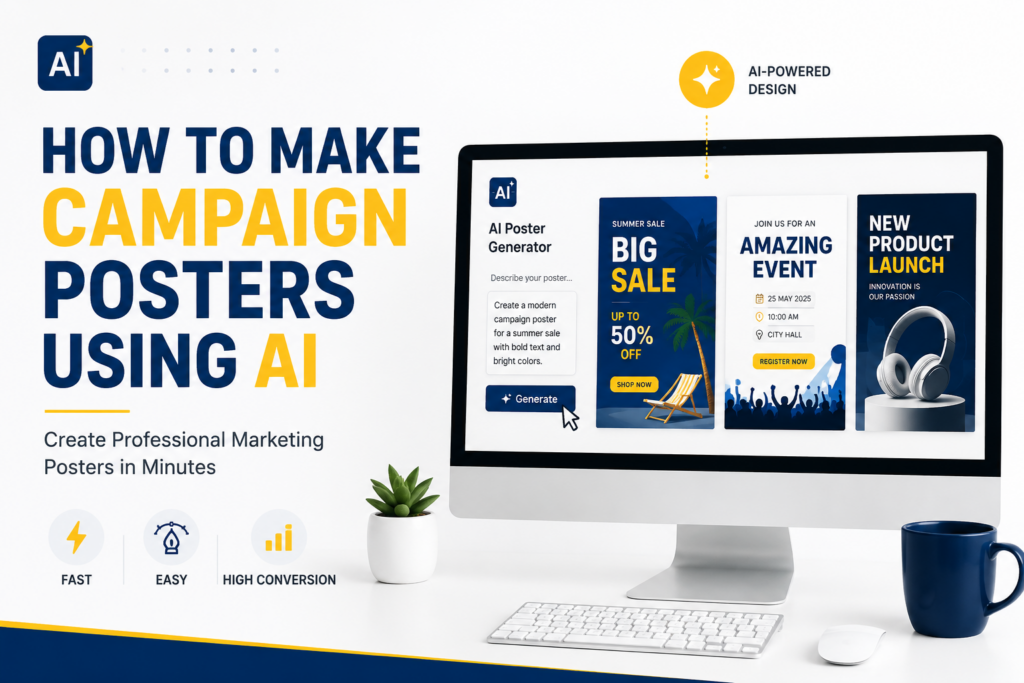
How to Make Campaign Posters Using AI
If you are wondering how to make campaign posters using AI, you are not alone. Businesses, marketers, event organizers, political teams, and entrepreneurs are increasingly turning to AI design tools to create professional-quality posters without spending hours designing from scratch.
Posters remain one of the most effective visual marketing assets. Whether you are launching a product, promoting an event, running a political campaign, or advertising a special offer, a well-designed poster can instantly grab attention and drive action. Many marketers who create posters with AI also use the best AI apps for social media content to scale their campaigns across multiple platforms simultaneously.
Businesses that understand digital marketing fundamentals often achieve stronger campaign performance because they align visuals with audience behaviour and intent.
In this guide, you will learn exactly how to create posters with AI, discover the best practices for high-performing campaign visuals, and see how tools like Ndovesha AI can help you produce professional marketing creatives faster than ever.
TL;DR
How to make campaign posters using AI:
- Step 1: Define your campaign objective
- Step 2: Gather campaign assets and information
- Step 3: Generate poster concepts using AI
- Step 4: Create visuals and imagery
- Step 5: Add persuasive marketing copy
- Step 6: Optimise layout and engagement elements
- Step 7: Export and distribute across channels
AI dramatically reduces design time while helping businesses create professional-quality posters at scale.
Why Campaign Posters Still Matter in Marketing
Despite the rise of video content and social media, posters remain one of the most effective marketing formats. Campaign posters work because they deliver information quickly, create strong visual impact, increase brand awareness, drive event attendance, support product launches, reinforce advertising campaigns, and improve social media engagement.
Today’s posters are no longer limited to print. Modern campaign posters are used on Instagram, Facebook, LinkedIn, TikTok, WhatsApp, digital billboards, email campaigns, landing pages, and event promotions. AI now makes creating these visuals faster, cheaper, and more accessible than ever before.
What Is an AI Campaign Poster?
An AI campaign poster is a marketing poster created partially or fully using artificial intelligence tools. AI assists with layout generation, graphic creation, image generation, copywriting, design recommendations, and brand consistency — automating the creative process instead of manually designing every element.
Benefits of AI Campaign Posters
- Faster creation — what used to take hours now takes minutes
- Lower costs — reduce dependence on expensive design resources
- Consistent branding — maintain colours, fonts, logos, and messaging
- More creative options — generate multiple concepts instantly
- Better marketing performance — AI optimises visuals and messaging for engagement
Examples
AI can create product launch posters, restaurant promotions, event flyers, political campaign posters, social media campaign graphics, real estate advertisements, holiday promotions, and fundraising campaigns.
How to Make Campaign Posters Using AI
Define Your Campaign Goal
Before opening any AI design tool, determine your objective. Ask yourself: “What action do I want people to take?”
- Brand Awareness — increase visibility and recognition
- Product Launch — introduce a new product or service
- Event Promotion — drive registrations and attendance
- Sales Campaign — generate purchases
- Political Campaign — influence voter awareness and participation
- Lead Generation — capture contacts and inquiries
Your objective influences every design decision that follows.
Gather Campaign Information
AI works best when given clear information. Prepare your headline, supporting message, call-to-action, visual assets, and branding elements before you start. The better your inputs, the better your AI-generated outputs.
Branding Elements to Gather
- Brand colours and fonts
- Logo files
- Brand guidelines
- Product or event imagery
Consistent branding is critical for campaign success. If you need professional typography for your designs, you can explore free professional fonts from Google Fonts to find options that match your brand identity.
CTA Examples
- Shop Now
- Register Today
- Vote on Election Day
- Claim Your Offer
Create Poster Concepts with AI
This is where AI becomes incredibly valuable. Instead of brainstorming manually, use AI prompts to generate multiple concepts instantly.
Example Prompt
Generate multiple concepts before selecting one. Look for strong visual hierarchy, readability, brand alignment, and emotional appeal. Never settle for the first version — create several variations and compare.
Generate Visuals
Visuals determine whether people stop scrolling. AI image generators can create product imagery, lifestyle visuals, event graphics, concept illustrations, and promotional backgrounds.
- Focus on relevance — images should directly support your message
- Use high resolution — poor-quality images damage credibility
- Maintain brand consistency — keep visual styles aligned across campaigns
- Consider platform requirements — Instagram posters differ from billboard formats
Add Persuasive Copy
A beautiful poster without persuasive messaging rarely converts. Effective poster copy includes a strong headline, a benefit statement, a clear CTA, and urgency.
Strong Headline Example
Benefit Statement Example
Urgency Examples
- Limited Time
- Ends Friday
- Early Bird Pricing
Good copy creates action. Every word on a poster should earn its place.
Optimise Design for Engagement
Following established advertising design guidelines can help improve readability, engagement, and campaign performance across social platforms.
Visual Hierarchy
- Headline — first point of attention
- Visual — emotional hook
- Supporting text — context and value
- CTA — the action you want them to take
Design Principles
- White space — avoid clutter at all costs
- Contrast — ensure text is readable against backgrounds
- Mobile optimisation — most users view posters on phones
- Branding — include logo, colours, and brand identity consistently
Export and Distribute
Once your poster is finalised, export in the right format for each channel and distribute strategically.
Export Formats
- PNG — for digital use and social media
- JPG — for email and web
- PDF — for print materials
Distribution Channels
- Facebook Ads and Instagram Posts
- LinkedIn Campaigns
- WhatsApp Marketing
- Email Marketing
- Print Materials
Once your poster is ready, you can amplify its reach by running high-converting Facebook ads using AI to target the right audience and maximise campaign performance.
Many businesses also combine poster creation with how to plan a month of content using AI so they can repurpose campaign visuals into social media posts, ads, and promotional content consistently across the full month.
Real Examples of AI Campaign Posters
Goal: Increase sales
Product Promotion Poster
- Product image
- Offer or discount
- CTA button
- Brand logo
Goal: Drive attendance
Event Flyer
- Date, time, and venue
- Event description
- Registration CTA
- Speaker or performer info
Goal: Increase awareness
Political Campaign Poster
- Candidate photo
- Campaign slogan
- Election information
- Trust-building visuals
Goal: Drive foot traffic
Restaurant Promotion Poster
- Food photography
- Discount offer
- Location details
- Opening hours
Goal: Generate inquiries
Real Estate Campaign Poster
- Property imagery
- Key features and price
- Contact information
- Strong CTA
Goal: Build community
Fundraising Campaign Poster
- Cause imagery
- Impact statement
- Donation CTA
- Organisation branding
Traditional Poster Design vs AI Poster Creation
The shift toward AI-powered design reflects the broader trend of AI marketing vs traditional marketing, where businesses are achieving faster results with fewer resources.
| Factor | Traditional Design | AI Poster Creation |
|---|---|---|
| Time | Hours or Days | Minutes |
| Cost | High | Low |
| Design Skills | Required | Minimal |
| Revisions | Time Consuming | Instant |
| Scalability | Limited | High |
| Creativity Testing | Slow | Rapid |
| Campaign Variations | Difficult | Easy |
Common Mistakes to Avoid
Cluttered Designs
Too many elements create confusion. Each poster should communicate one clear message with enough white space to breathe.
Weak Headlines
Your headline must immediately capture attention. If it doesn’t stop someone within two seconds, the rest doesn’t matter.
Poor Image Quality
Low-resolution visuals reduce trust and make even strong brands look unprofessional.
Too Much Text
Posters are scanned, not read. Keep messaging concise. If it takes more than five seconds to understand, simplify it.
Unclear CTA
Always tell viewers exactly what to do next. Ambiguity kills conversions.
Ignoring Mobile Users
Most poster views happen on mobile devices. Always preview and test on small screens before publishing.
How Ndovesha AI Helps Create High-Converting Campaign Posters
Creating campaign posters doesn’t have to involve hiring a full design team. Ndovesha AI helps businesses create campaign posters, marketing creatives, promotional graphics, social media visuals, advertising creatives, and product promotion graphics — all without needing advanced design skills.
Whether you are a small business, agency, startup, political campaign team, or event organiser, Ndovesha AI helps simplify the creative process while maintaining professional standards. The result? More campaigns launched faster with fewer resources. Successful poster campaigns combine creative design with proven marketing principles — additional marketing strategy resources can help refine your campaigns over time.
Campaign Poster Creation Checklist
Before publishing your poster, confirm:
- Clear campaign objective defined
- Strong headline that stops the scroll
- High-quality visuals with no pixelation
- Consistent branding throughout
- Clear and direct call-to-action
- Mobile-friendly layout tested
- Readable typography at all sizes
- Proper spacing and white space
- Optimised dimensions for each channel
- Correct export format for distribution
Frequently Asked Questions
Final Thoughts
AI is transforming how marketers, businesses, agencies, political teams, and event organizers create visual campaigns. Instead of spending days designing posters from scratch, modern AI design tools can help you generate concepts, visuals, copy, and layouts in minutes.
The key is not simply using AI — the key is using AI strategically. By following the process outlined in this guide, you can create professional, persuasive, and conversion-focused campaign posters that capture attention and drive results.
Beyond poster design, marketers are increasingly learning how to write blog posts with AI so they can create complete campaigns that include visuals, content, email marketing, and social media assets — all powered by AI from start to finish.
Ready to Create Campaign Posters with AI?
Try Ndovesha AI and start building professional marketing creatives, campaign posters, ad visuals, and social media graphics faster than ever.
Try Ndovesha AI Today